Getting New Equipment Running Correctly
3D Printer Setup & Installation in Fayetteville for buyers who need machines assembled, calibrated, and printing successfully from the start
Unboxing a new 3D printer reveals dozens of partially assembled components, unlabeled wire bundles, and instructions that assume you already understand concepts like Z-offset, PID tuning, and esteps calibration. FreedomFab Lab LLC provides professional assembly and setup for 3D printers in Fayetteville, handling everything from frame assembly and wiring verification to firmware configuration and first-print calibration. The service includes slicer software installation with profiles tuned to your specific printer model, network configuration for WiFi-enabled machines, and a walkthrough that explains what each control does and how to load filament without jamming the extruder.
Assembly starts with verifying that all frame components are present and undamaged, then proceeds through mechanical assembly with fasteners torqued to prevent loosening during operation but not over-tightened to the point of cracking printed parts or stripping threads. Wiring follows manufacturer diagrams exactly—reversed stepper connections cause motors to run backward, swapped thermistor leads trigger safety shutdowns, and incorrect endstop wiring can crash the printhead into the bed during homing. After physical assembly, the bed gets trammed level to the nozzle across all corners, Z-offset is set so the nozzle height produces proper first-layer squish, and a test print confirms that extrusion width and layer adhesion meet expected standards.
Schedule setup assistance when your printer arrives to avoid the trial-and-error that leaves many first-time users with poorly calibrated machines and wasted filament.
How Calibration Affects Every Print
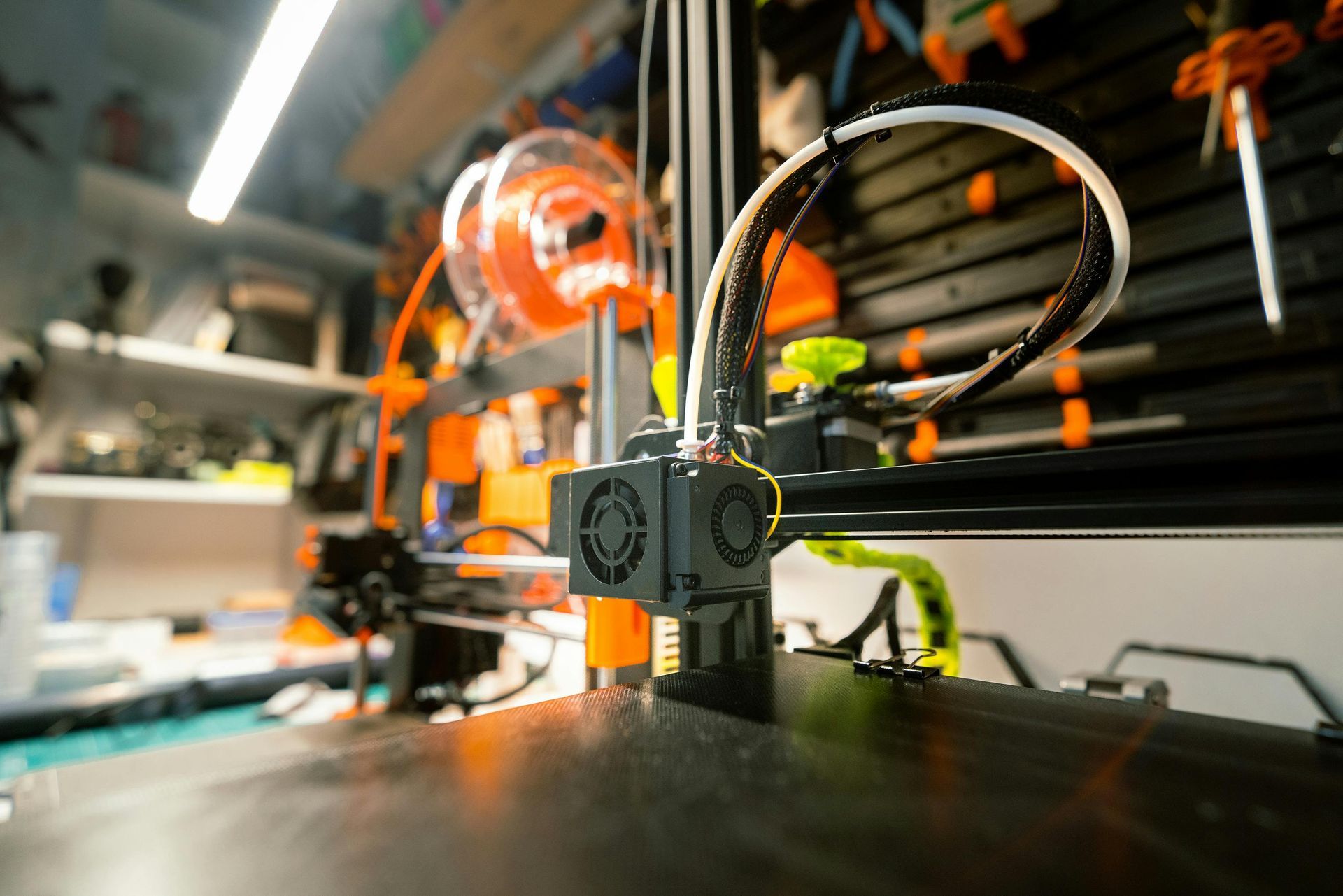
Calibration determines whether your printer produces dimensionally accurate parts or objects that don't fit their intended assemblies—esteps calibration ensures the extruder pushes exactly the commanded amount of filament, flow rate tuning adjusts for material-specific behavior, and temperature towers identify the optimal hotend setting for each filament type. Slicer profiles control print speed, retraction distance, cooling fan curves, and support density, with settings that work for one printer often causing problems on another due to differences in hotend design, part cooling efficiency, and motion system rigidity.
After setup completes, your printer produces test prints that match expected dimensions within a tenth of a millimeter, first layers adhere without warping or lifting, and overhangs print cleanly up to the angle limits of the cooling system. You'll understand how to adjust bed temperature if prints won't stick, when to increase retraction if stringing appears between parts, and what causes under-extrusion that leaves gaps in top surfaces.
Setup includes beginner training that covers filament loading procedures, bed cleaning between prints, and what maintenance tasks need regular attention versus what can wait until problems appear. On-site and in-store options accommodate buyers who prefer installation at their location versus those who'd rather pick up a fully configured machine ready to start printing immediately.
What Property Owners Usually Ask
New printer owners in Fayetteville frequently ask about what's included in professional setup versus what they could handle themselves with enough time.
What happens during bed leveling and why does it matter?
The nozzle is positioned at each corner and the center of the bed, with adjustments made until a piece of paper drags with consistent resistance under the nozzle at all points, ensuring that the first layer height stays uniform across the entire build surface and preventing adhesion failures or nozzle crashes.
How is slicer software configured for my specific printer?
Profiles are created or imported with accurate build volume dimensions, correct nozzle diameter, and material-specific settings for temperature, speed, and cooling that match tested values for your machine rather than generic defaults that may cause poor print quality.
Why do some printers need network configuration?
WiFi-enabled models can receive print files remotely and report job status without a direct USB connection, but they require SSID entry, password authentication, and sometimes static IP assignment or port forwarding depending on whether you're printing from LAN devices or cloud services.
What's included in the beginner walkthrough?
You learn how to navigate the control interface, preheat the hotend and bed to target temperatures, load and unload filament without grinding gears or creating jams, start prints from SD cards or network sources, and safely remove finished prints without damaging the build surface.
When should I choose on-site setup instead of in-store service?
If your printer is large enough that transport risks frame misalignment, if you're setting up multiple machines in a workshop environment, or if you want training for several staff members who'll operate the equipment, on-site installation in Fayetteville handles those situations more efficiently than repeat trips to a service counter.
FreedomFab Lab LLC completes setup with documentation of all calibration values and slicer settings, so arrange installation service when purchasing new equipment to start printing successfully from day one.